

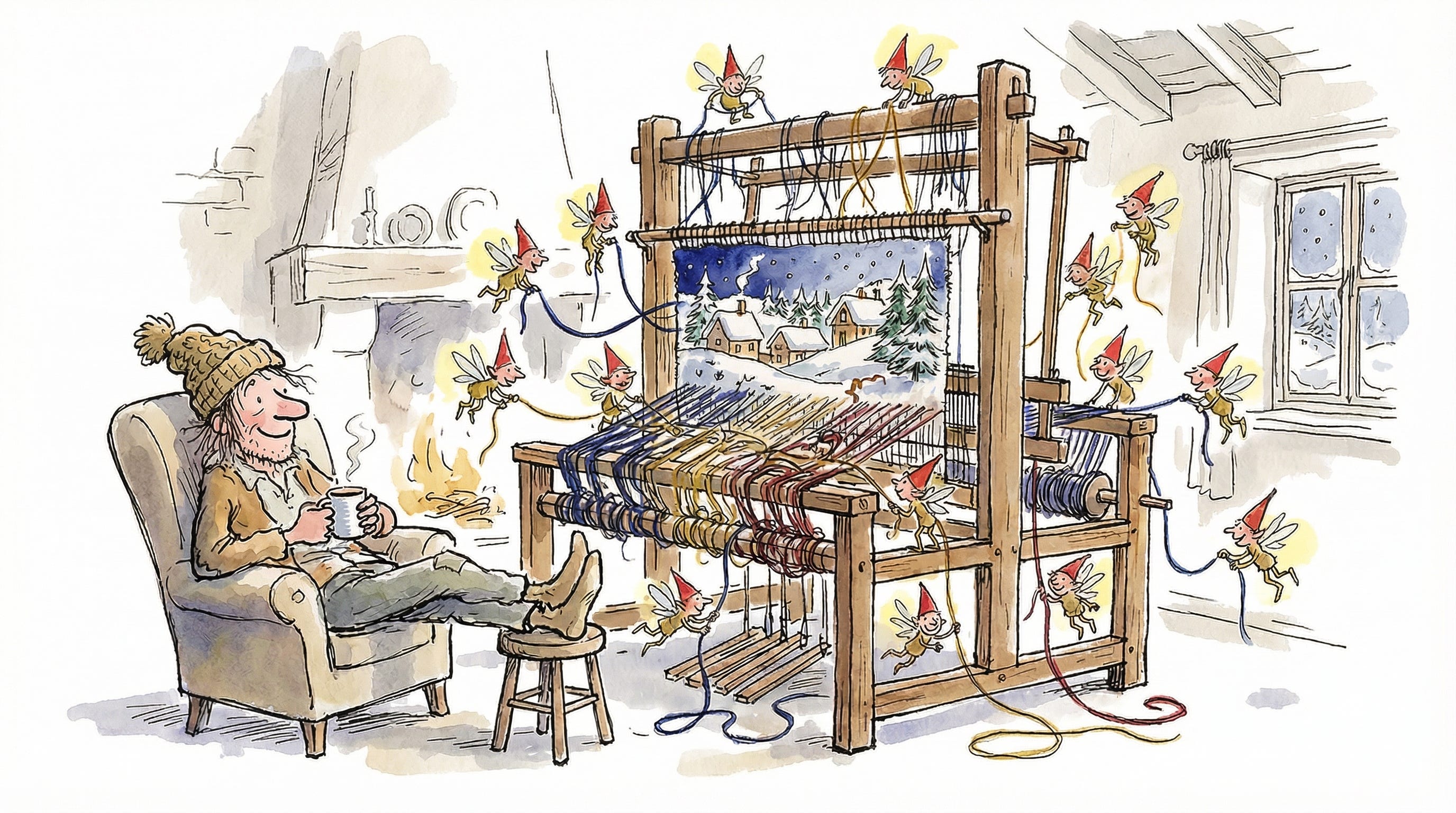
magic-image is a React component we’ve open-sourced. It allows your agentic coding tools to describe the image(s) they wish existed while they’re writing their code. And allows you, the human, to generate images, preview them, pick the ones you want, and save them.
npm install @with-logic/magic-imageA Visit From Magic-Image1
T’was the night before launch, and all through the code,
The wrong content was rendering, the dev server showed.
A landing page in progress, the markdown looked great,
But the images were lacking, and the hour was late.
We’ve all been in a spot where we’re implementing some kind of landing page that’s in need of interesting and relevant images.
So begins the ritual: cmd-tab to ChatGPT / Gemini / Replicate. Spend minutes thinking of an idea. Spend minutes crafting a prompt. Generate. Wait. Download. Drag into your assets folder. Update the image path. Realize it visually doesn’t work. Repeat.
We have a lot of surfaces at Logic that require imagery, and quickly grew tired of the manual tedium surrounding image generation. We also use a ton of agents, so we built something that helps our agentic coding friends take the reins, while leaving final editorial control to us humans.
Now when we’re asking Claude Code to wire up a new marketing page, we can also ask it to make sure it’s filled with relevant, high-quality, eye-catching imagery. Claude can add placeholder images with prompts for visuals it wishes existed and then we can go in and generate the actual assets.

Integrating magic-image
When out on the screen there arose such a sight,
An agent that generates images! Pure delight!
With a hover, a click, the modal would show,
Brand new images appeared in a row.
First, wrap your app (or the relevant part of it) with the provider:
import { MagicImageProvider } from "@with-logic/magic-image";
import { createReplicateGenerator } from "@with-logic/magic-image/replicate";
import { createBrowserDownloadSaver } from "@with-logic/magic-image/savers";
import "@with-logic/magic-image/styles.css";

const generateImage = createReplicateGenerator({
  apiKey: process.env.REPLICATE_API_KEY,
});

function App() {
  return (
    <MagicImageProvider
      generateImage={generateImage}
      saveImage={createBrowserDownloadSaver()}
      devMode={process.env.NODE_ENV === "development"}
    >
      <YourContent />
    </MagicImageProvider>
  );
}
Then, use <MagicImage /> anywhere you'd use a regular <img>. Make sure you update your CLAUDE.md / AGENTS.md file so that your favorite agent knows to use this too:
import { MagicImage } from "magic-image";

function BlogPost() {
  return (
    <article>
      <h1>Building Better Developer Tools</h1>
      <MagicImage
        src="/images/hero.png"
        alt="A developer working late into the night"
        prompt="Developer at a desk with multiple monitors, cozy lighting, coffee cup, late night coding session, warm atmosphere"
      />
      <p>Content goes here...</p>
    </article>
  );
}
Working with magic-image
The images were nestled all snug in their grid,
While visions of prompts danced, here’s what we did:
Hover the image, make the overlay appear,
Click “Generate” and watch magic draw near.
Here’s what happens when you hover over a MagicImage component in dev mode:
An overlay appears with a “Generate” button
Click it, and a modal opens where you can tweak your prompt
Choose how many images to generate (1-10)
Hit generate, and watch FLUX (via Replicate) or your own LLM connector (magic-image allows you to call into whatever LLM provider you want) work its magic
Preview the results in a grid, right there in the modal
Select the ones you like and save them directly to your project
Built for Flexibility
And then I heard from my screen,
The click of a save; The smoothest I’ve seen.
The image was saved, the component refreshed,
And back to my coding, I felt truly blessed.
The library has a Replicate integration using Black Forest Lab’s FLUX model out of the box, but the architecture is pluggable:
Custom generators: Bring your own image generation backend
Custom savers: Save to your filesystem, S3, wherever
Prompt refinement: Add a pre-processing step to enhance prompts
The provider pattern means you can swap out any piece without changing your components. We’re working on adding more out of the box save mechanisms, so stay tuned for those.

Check It Out
Now, Dasher! Now, Dancer! Now, images show!
On context! On workflow! No more cmd-tab sorrow!
To the top of the page, to the blog post so bright,
Happy launching to all, and to all a good night!
npm install @with-logic/magic-imagemagic-image is also open source. Check it out and let us know what you think.
Happy holidays, from the team at Logic!
https://en.wikipedia.org/wiki/A_Visit_from_St._Nicholas